Description
vMix Graphic Plugin – Basic Instructions
Setup
Unlock Excel File Right-click the file and unlock it.
Enable Macro Open production.xlsm and click “Enable Content”.
🎬 Live Switch Shortcuts (IMPORTANT)
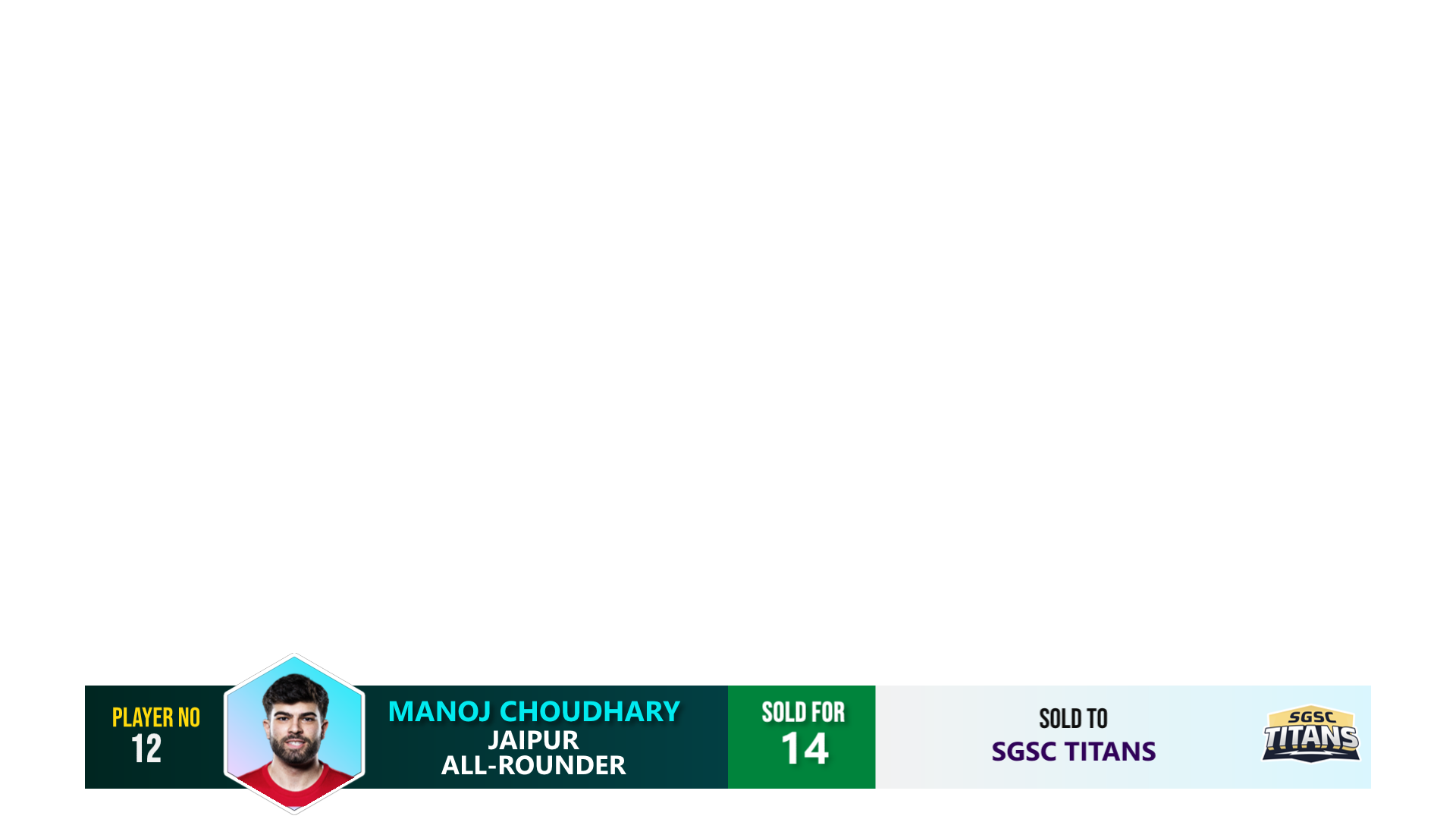
Lower Third Infobar (Control Key)
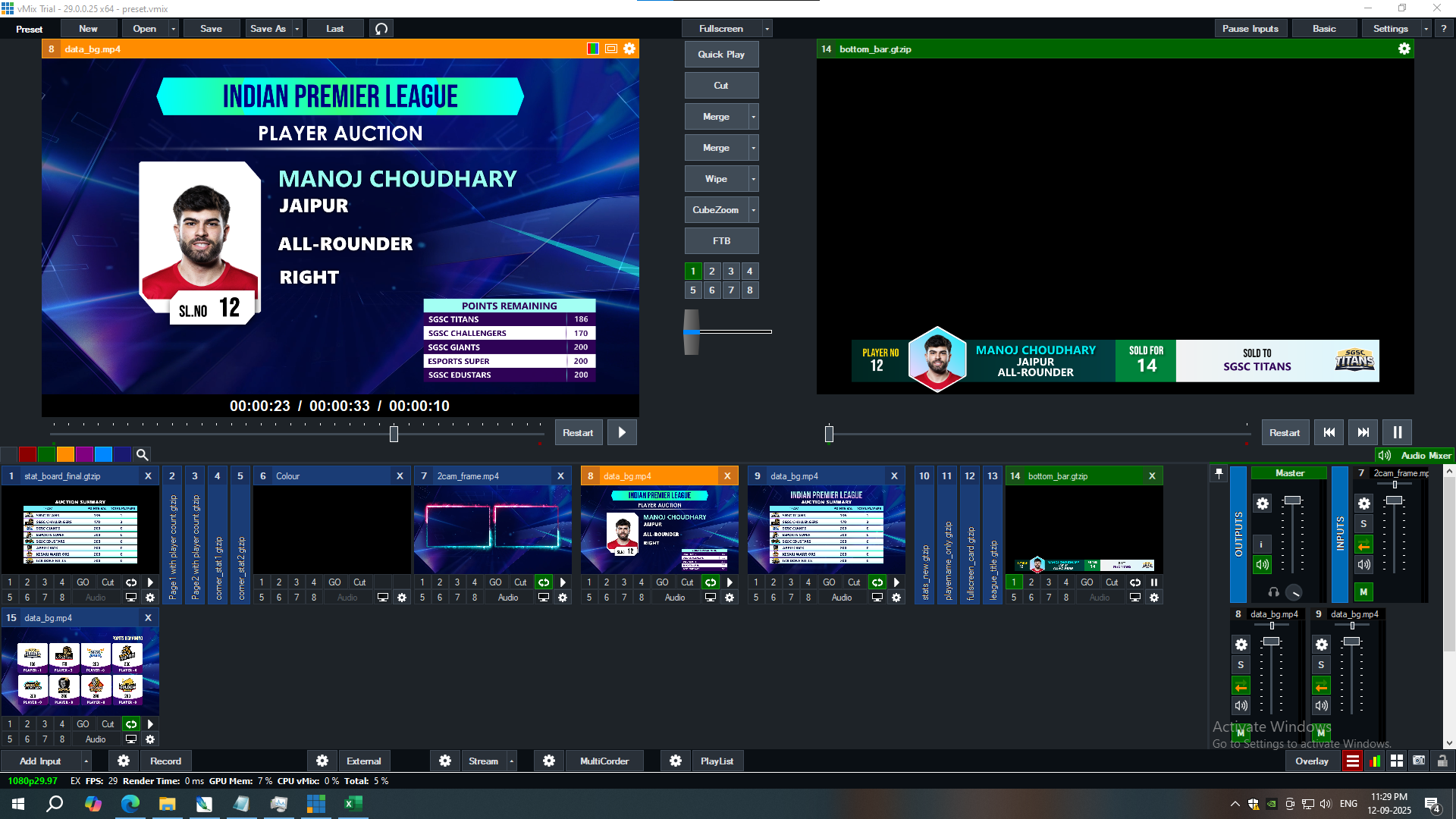
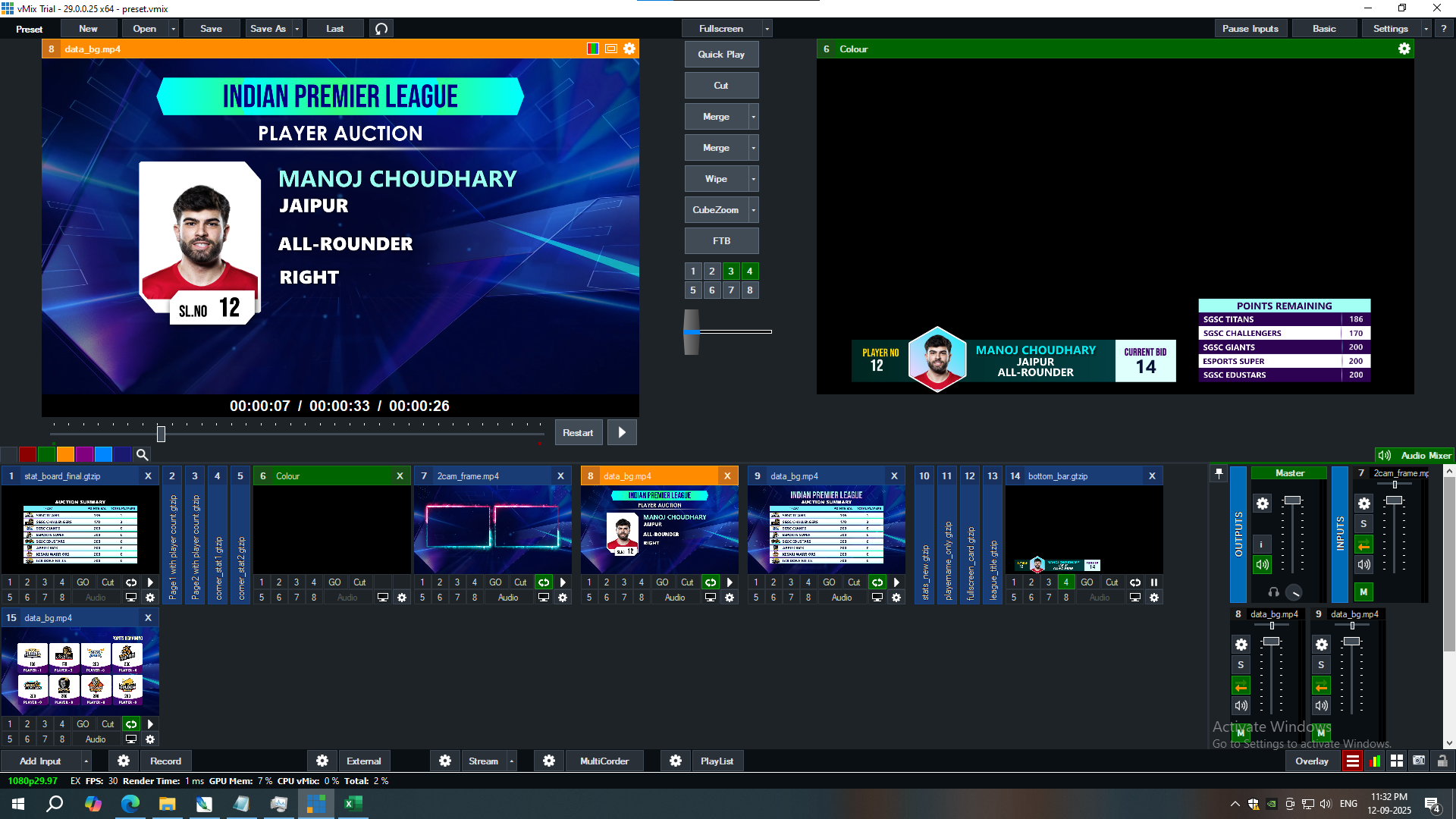
Up Arrow → Transition In Lower Bar
Right Arrow → Show Sold Info
Down Arrow → Transition Out Lower Bar
🟦 Corner Static Controls
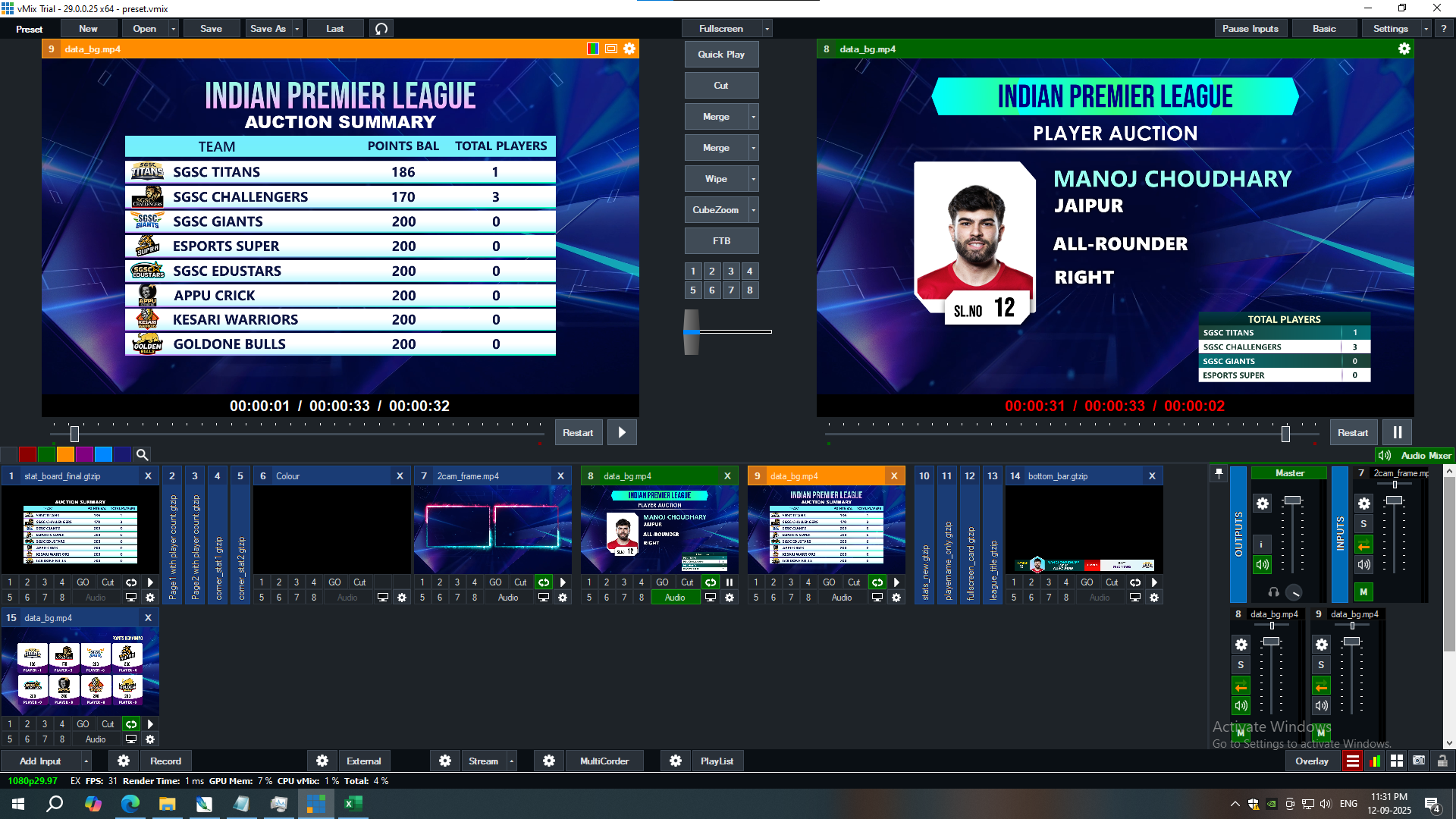
Numpad + → Show Player Counts (Displays 8 teams in ~10s)
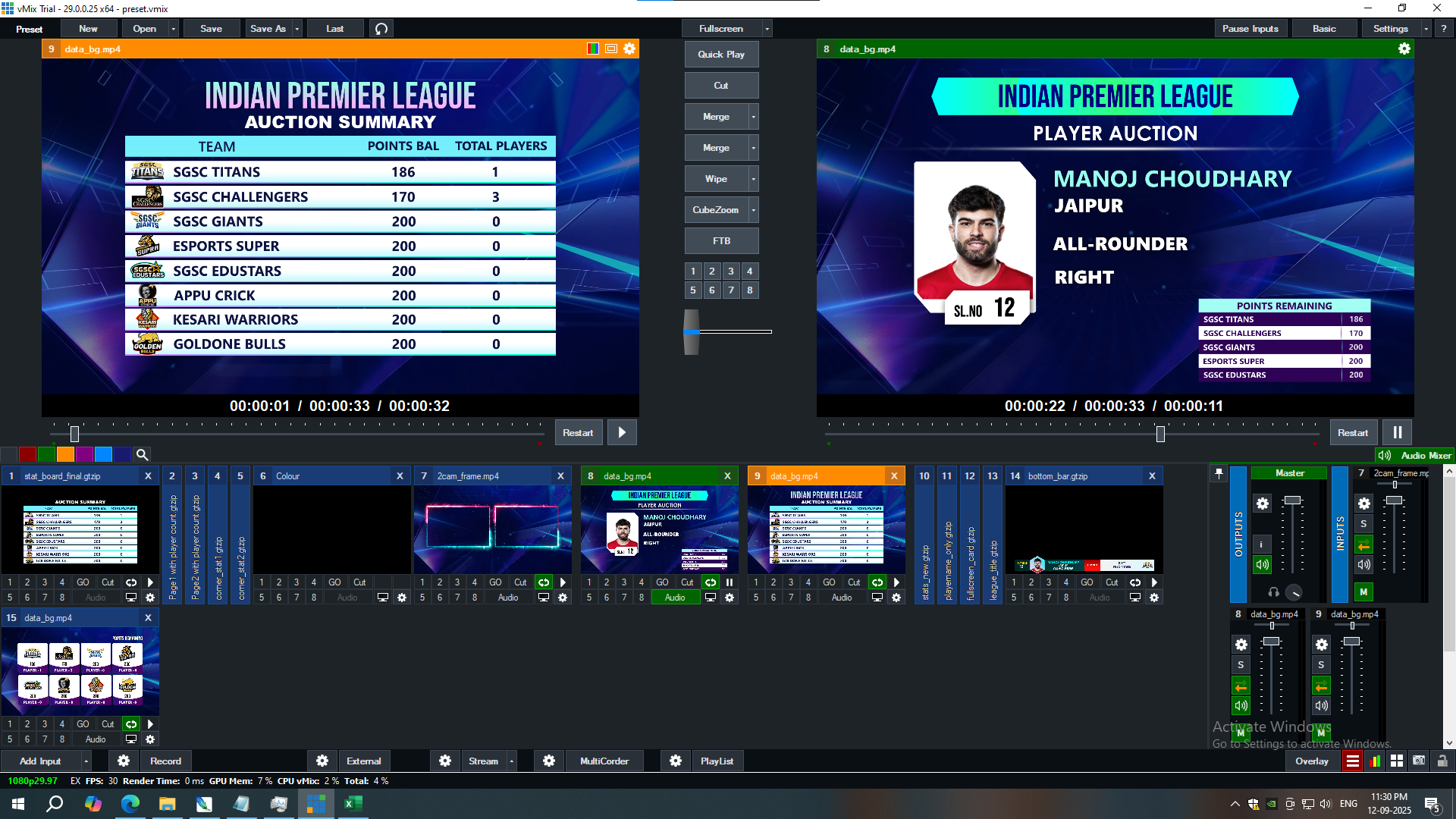
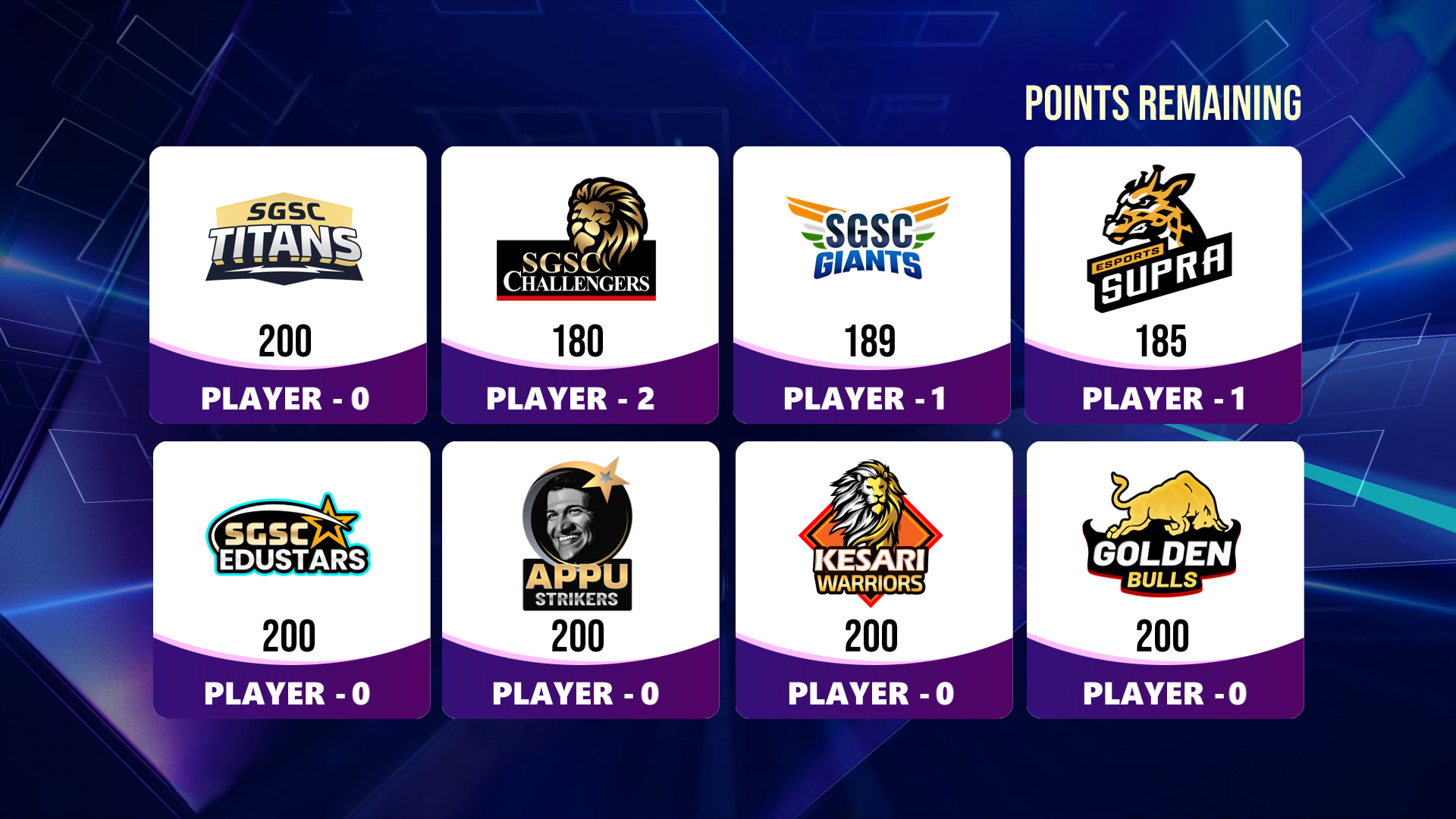
Numpad – → Show Purse Remaining (Points Remaining Corner Stat)
🔄 Other Graphics (Use Fade Transition)
-
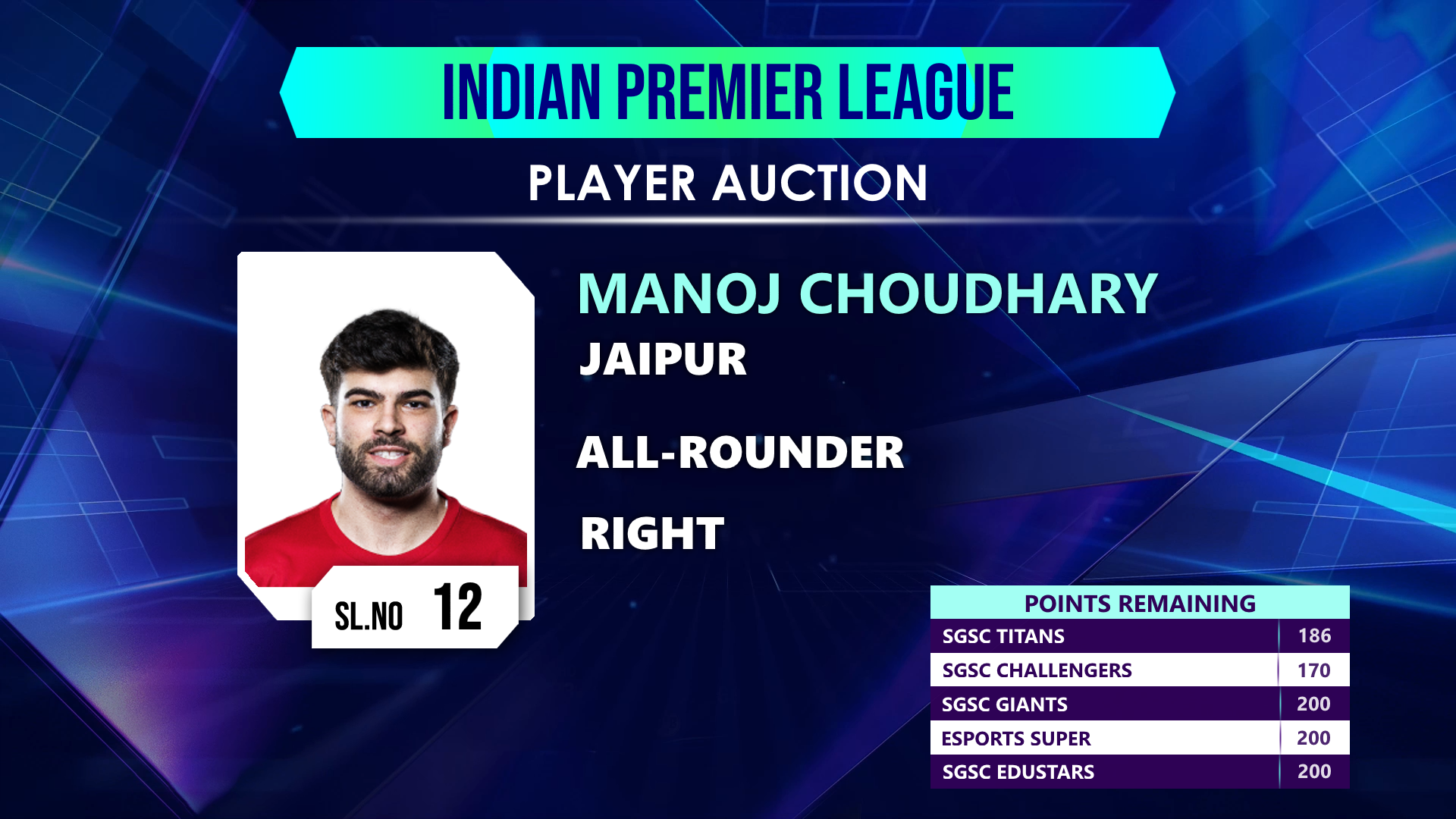
12 → Main Card
-
13 → Points Remaining – List View (LED or Main Output)
-
14 → Points Remaining – Tiles View (Logo) (LED or Main Output)
-
15 → Multiview Frame for Camera
Make your live broadcasts dynamic, engaging, and interactive with our all-in-one graphics solution:
✅ Bottom Info Corner – Always keep viewers updated with key player details.
✅ Team Points Remaining – Track live team budgets with real-time clarity.
✅ Squad Card for LED Display – Showcase full team lineups instantly.
Designed for seamless vMix integration, our graphics are lightweight, customizable, and production ready.
💡 Why Choose Our Graphics?
🎨 Professionally Designed – Clean, modern visuals built for live events.
⚡ Plug & Play – Easy to load into vMix, with minimal setup.
🔄 Interactive Modules – Update player data and teams on the fly.
📺 HD & LED Optimized – Perfect for screens of all sizes.
📦 Explore Our Graphics Pack
-
Player Graphics Pack (Now Live)
-
More Graphics Packs coming soon: Sports Scoreboards, Esports Overlays, News Tickr Packs & More
🌍 Built for Creators Like You
Whether you’re a production house, event manager, or live streamer, our vMix give you broadcast-quality graphics at your fingertips.
👉 Start with the Player Graphics Pack today and make your next live production unforgettable.
There are no reviews yet.